Keep the original
Add a PDF, supported image or text file. PaperWork stores the original locally alongside its document index.
PAPERWORK / LINUX VERIFIED
Keep PDFs, receipt photos and documents on your own Linux computer. Search the readable text, check suggested categories, and get back to work.
Checking secure delivery…
Add a PDF, supported image or text file. PaperWork stores the original locally alongside its document index.
Search filenames, categories, notes and the text available in the document preview.
Correct categories, add notes, export the index, and back up the full data folder to preserve original files.
ACTUAL LOCAL TEST / SAMPLE DOCUMENTS
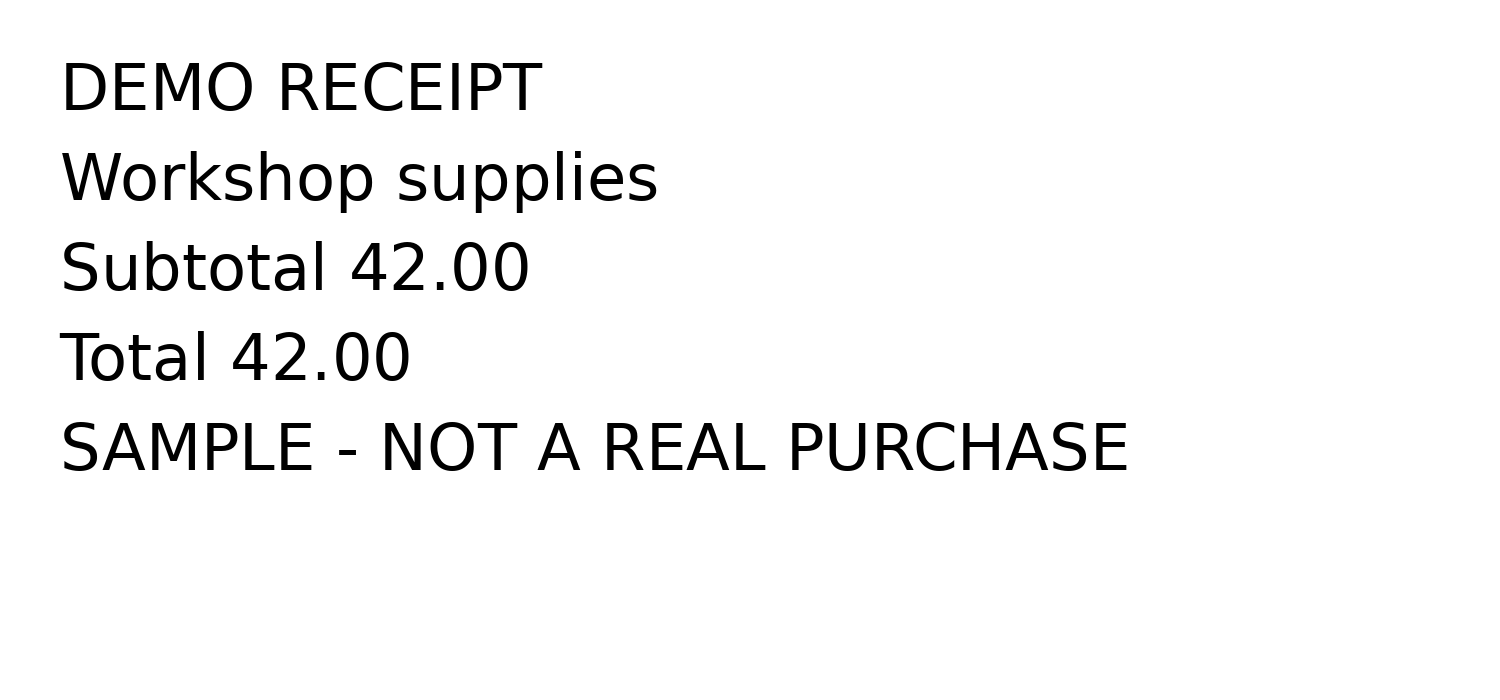
We ran the real PaperWork program with a synthetic receipt image and invoice text file. It extracted “42.00” from the image, suggested Receipt and Invoice categories, returned one matching record for “1042”, and downloaded the original receipt byte-for-byte.
A walkthrough of actual test results, not a screen recording or a customer testimonial. Sample documents contain no customer information. OCR quality varies with the image.
Linux and Python 3. Install Tesseract for image OCR; scanned PDFs also need pdftoppm. The optional pypdf package extracts text from regular PDFs.
The program runs on your computer and listens on loopback. There is no cloud account or remote sync. OCR depends on the optional tools installed locally.
PDF, PNG, JPEG, WebP, TIFF and plain text, up to 20 MB per file. Classification is a keyword-based suggestion that you should review.
The JSON export includes metadata and extracted text. To keep originals as well, back up the entire PaperWork data folder.
This release is $10 one-time. There is no required monthly software subscription for the version you purchase.
Pay on Stripe. Download after payment is verified. Check the Linux requirements above before purchasing.